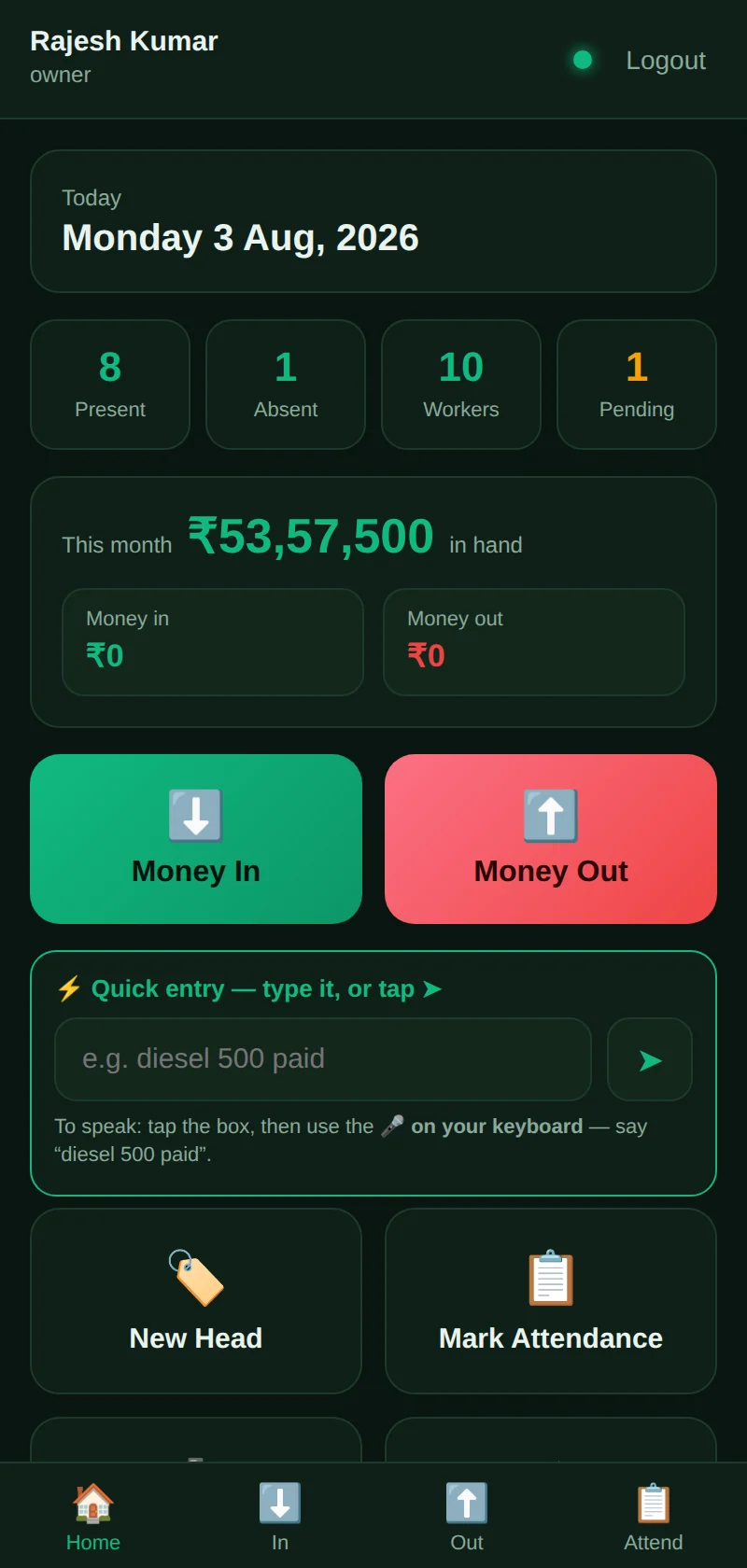
The people who create most of your data are rarely near a computer. This app records attendance, expenses and photo proof on a phone with no connection at all, and syncs the moment it finds one. Everything it captures waits for the office to approve before it reaches the books.
For sites, routes, branches, warehouses and service teams.
Real software with sample data. Nothing you type is sent anywhere.
Everything works offline and queues up. When the phone finds a network it syncs quietly, with no duplicates and nothing lost.
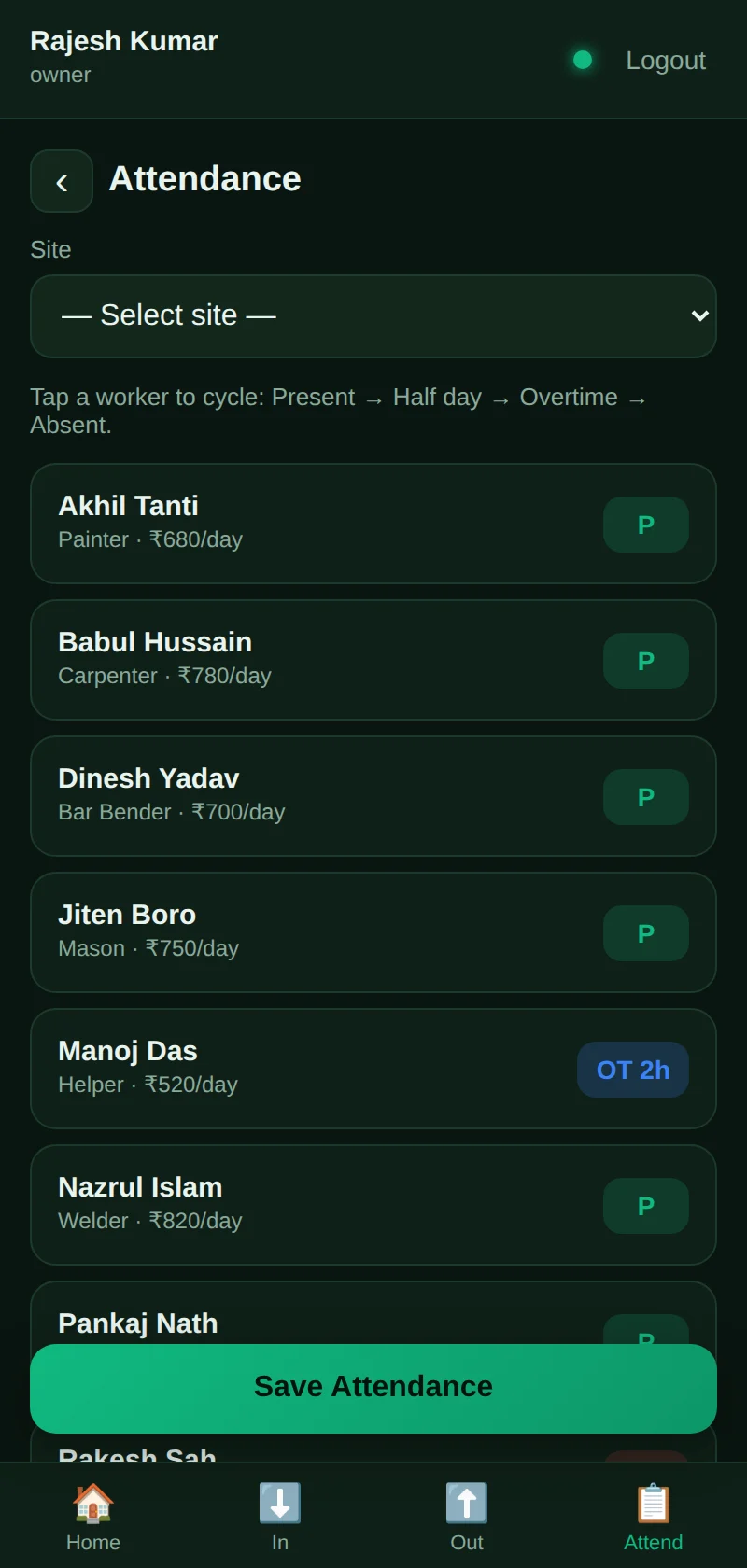
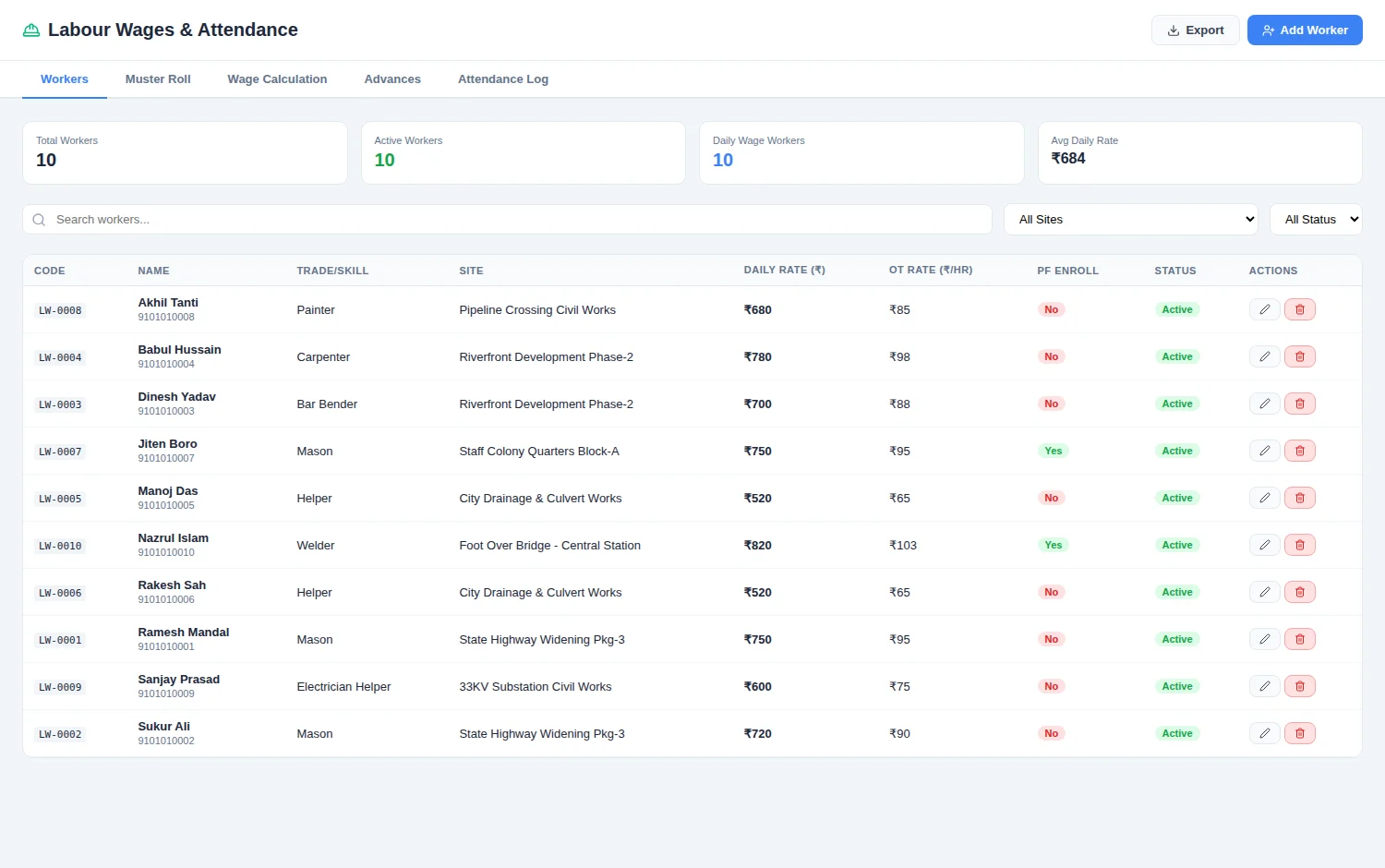
Mark a whole crew present, absent or on overtime in a few taps. Wages follow from it automatically.
Field entries are submissions, not postings. The office confirms them before they touch the accounts.
Record what was spent and attach the photo of the bill at the same moment, before it goes missing.
Staff who will never fill in a form can write or say a line and confirm what the app understood.
Added to the home screen from the browser. No app store approval, no update anyone has to remember.
What your team captures on a phone is specific to your operation. This is where we build to order.
The exact fields your team must capture — meter readings, batch numbers, delivery signatures, checklists, GPS-stamped visits.
Your approval chain, including which supervisor covers which location and what limits apply to whom.
Languages and screen layouts your staff are comfortable with, tested with people who will actually use it.
Connection into your main system, so field data lands in the same books as everything else.
Tell us what your people need to capture in the field and where the paper currently gets lost.
No sales call needed to look around. Every product on this site is live and usable right now.
 Munimo